
DepoGenius
Case Files workspace redesign — the core workspace of an AI tool that turns trial lawyers' entire case files into cited litigation outlines.
Context
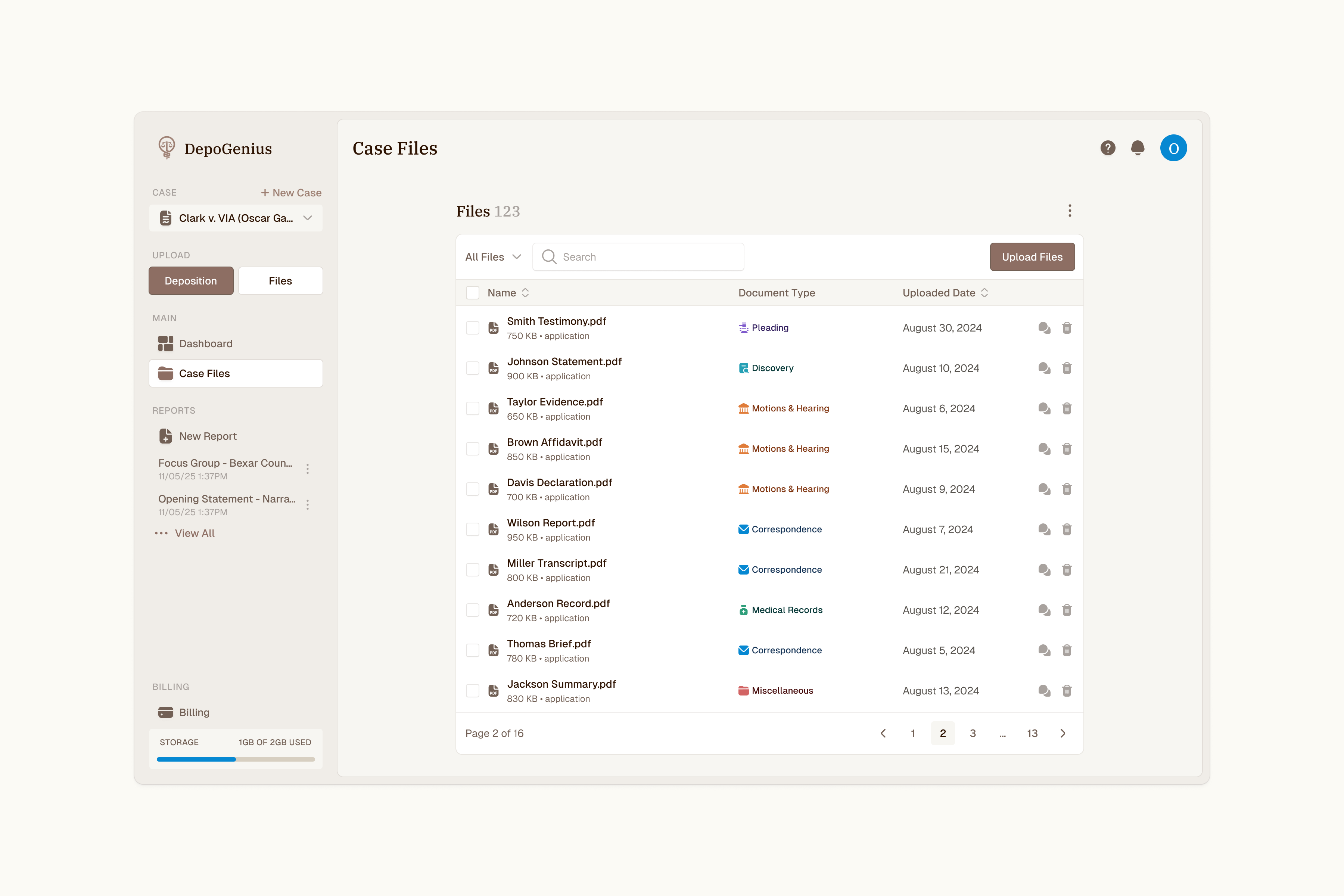
DepoGenius turns a trial lawyer's entire case file into cited litigation outlines, and the Case Files workspace is where every case begins. First, attorneys upload huge, messy files — depositions, pleadings, discovery, sometimes tens of thousands of pages. I redesigned the workspace so getting files in, and finding the next step, never gets in the way.
Problem
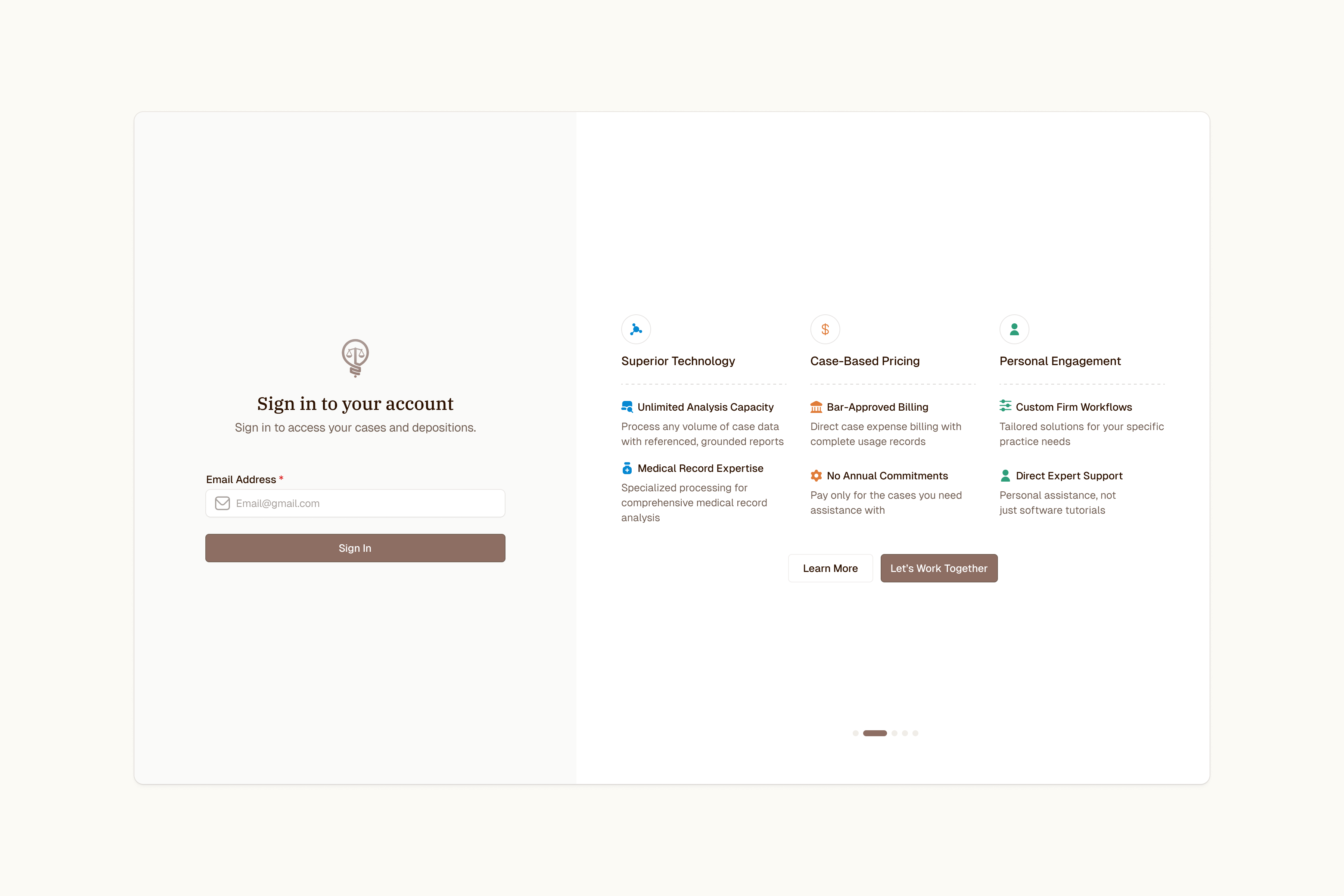
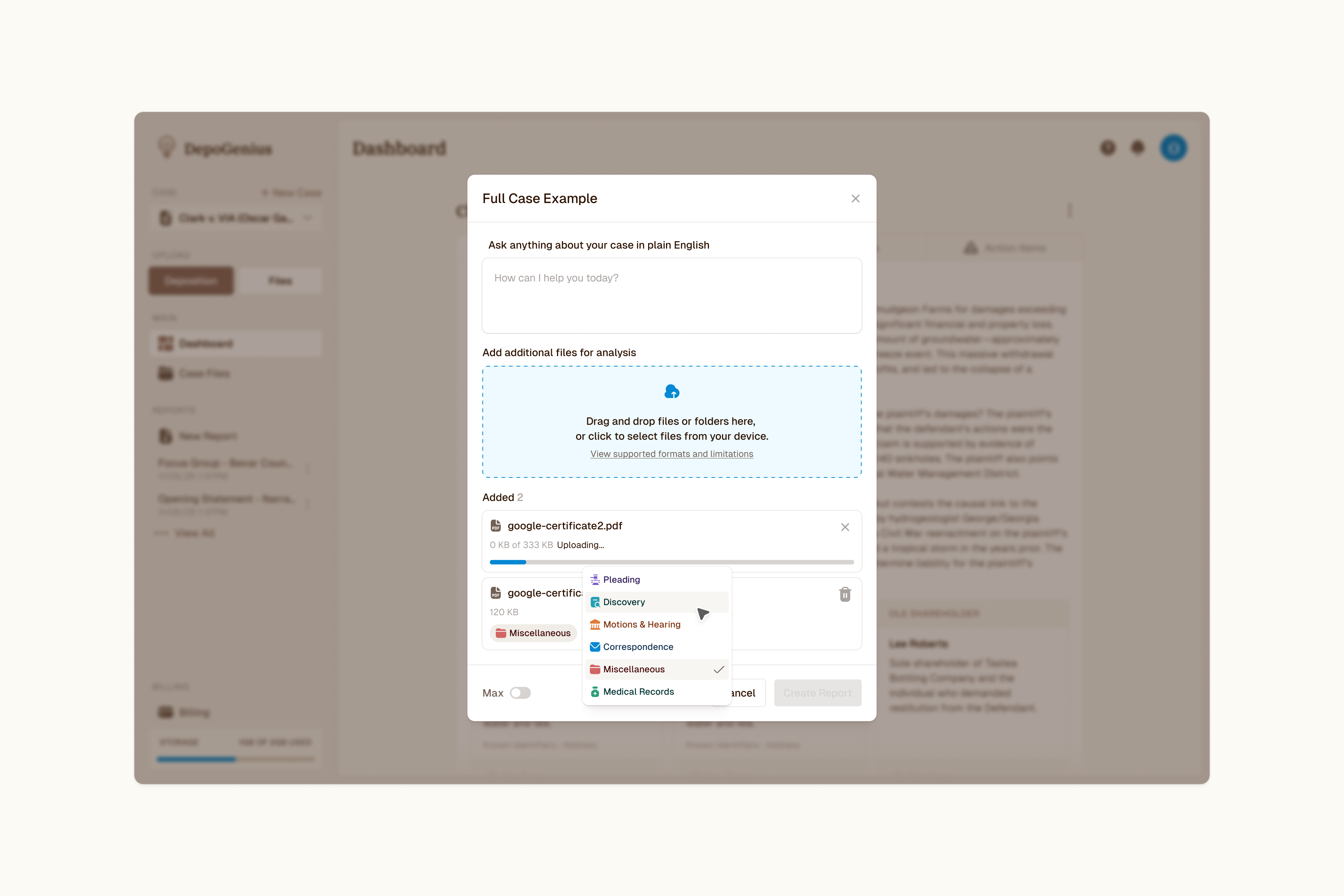
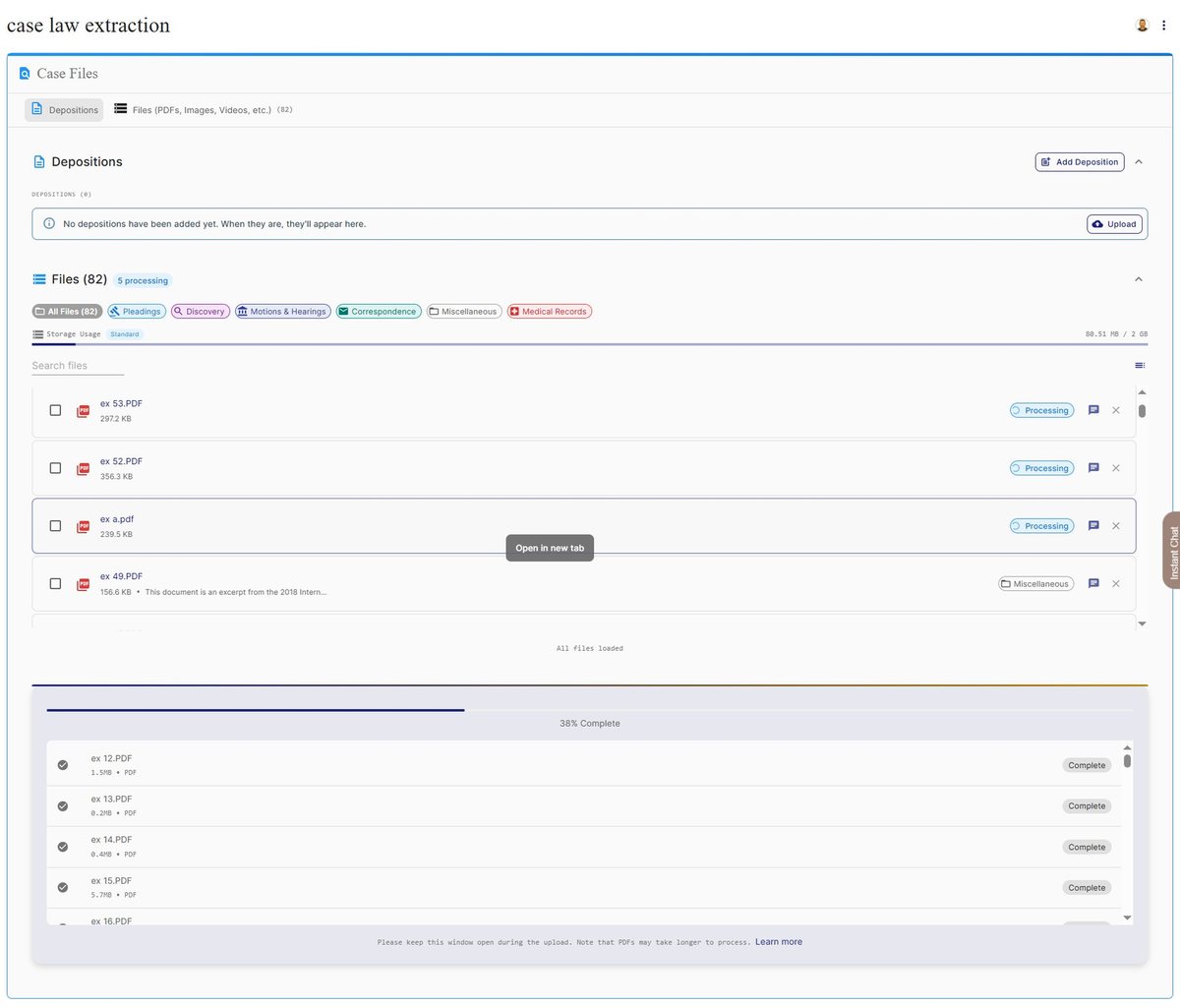
The workspace worked, but people got stuck in it. The issue was discoverability: less confident users froze when they couldn't see where to add files — and on the biggest cases, long file lists pushed the entry points that mattered most out of sight.
Approach
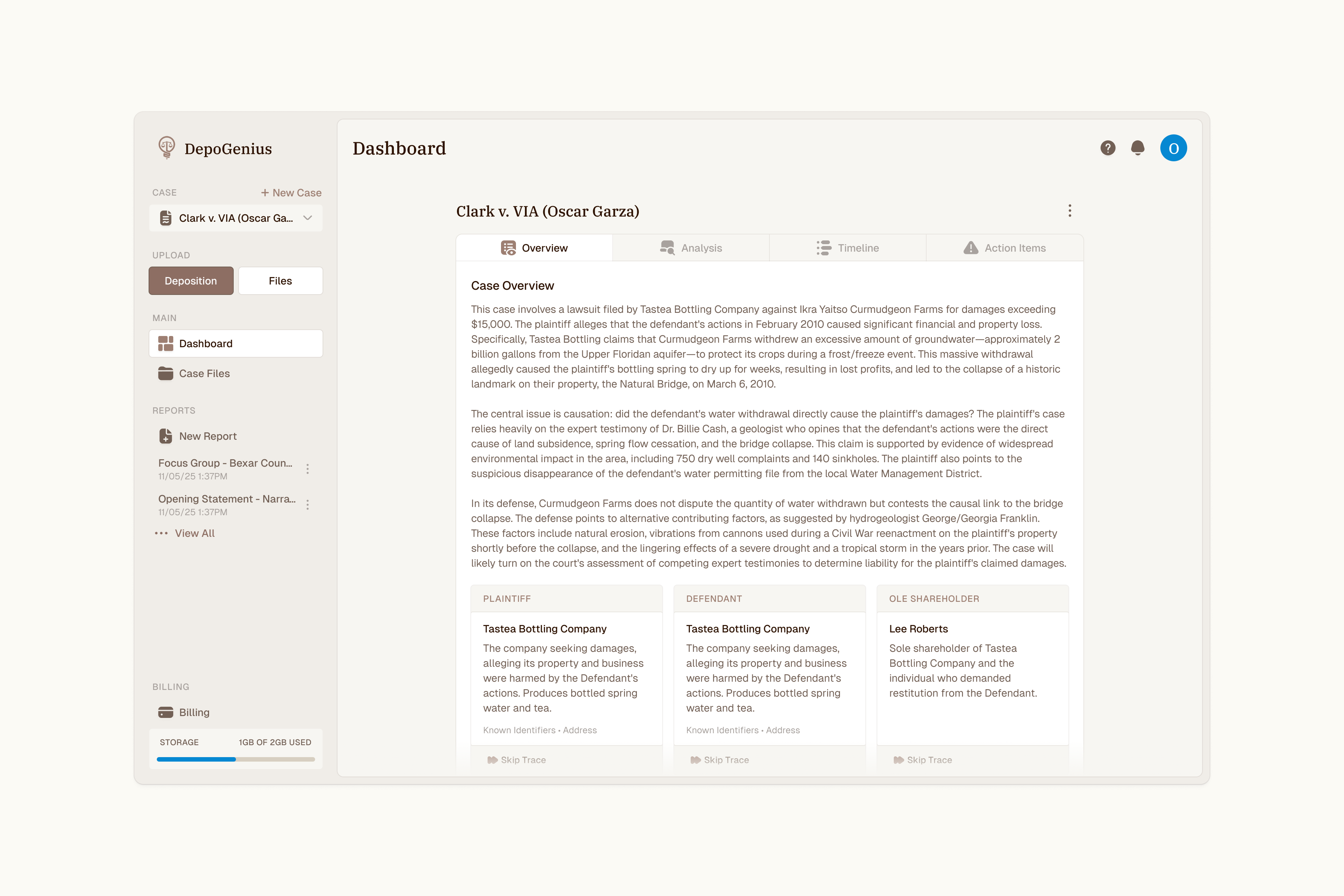
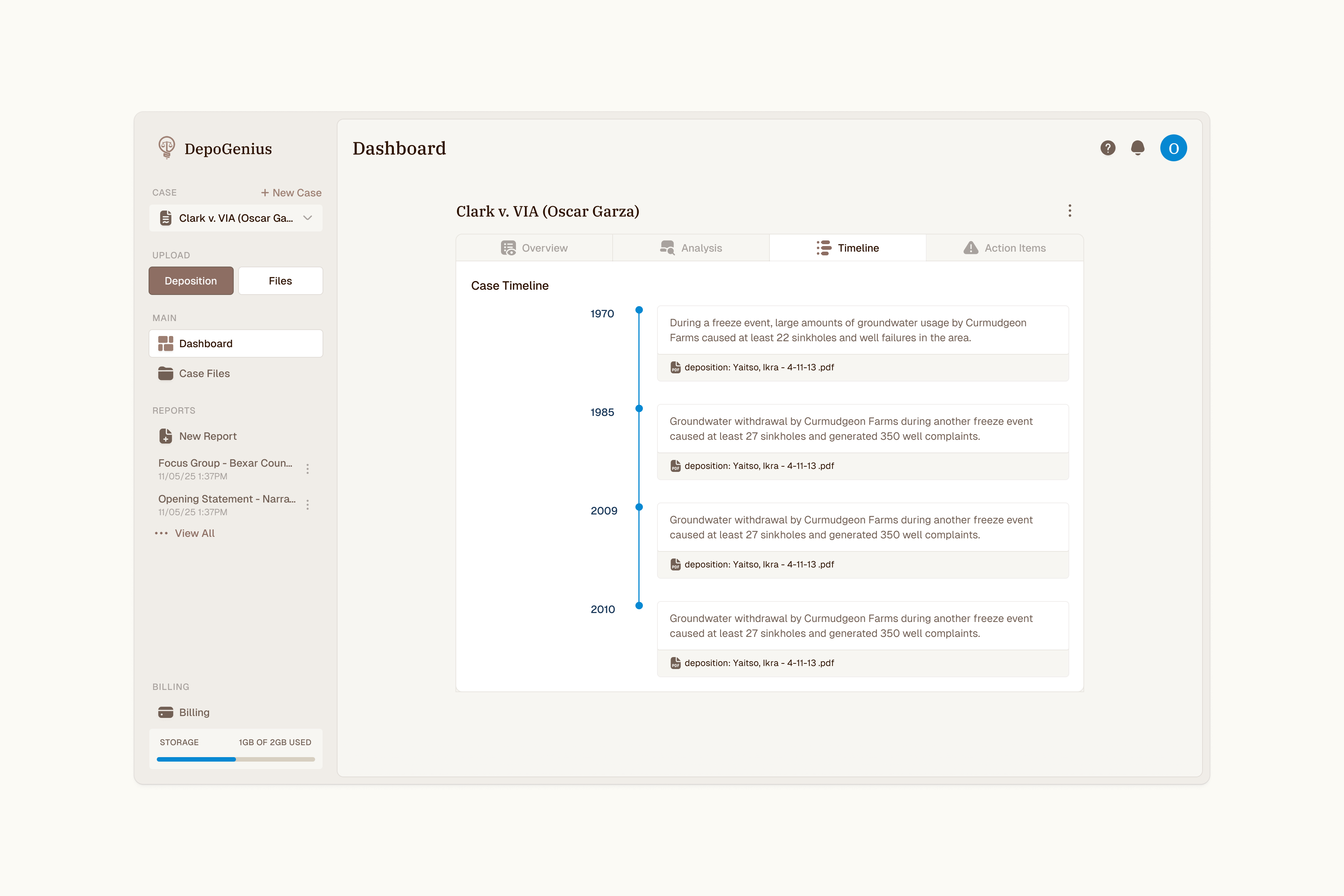
I made upload reachable from anywhere — a high-contrast Upload Files action and a persistent sidebar entry — instead of one box that scrolls off-screen. I gave "Case Objective" (the field that tells the AI who the attorney represents) a home that prompts users to fill it without cluttering the workspace, and reordered navigation around how attorneys work: frequent actions first, billing and "new case" demoted. The restructured flow — New Case → Upload → Dashboard → Reports → Results — became the product's core navigation.
Result
A workspace people got stuck in became one where the next step is always within reach — upload from anywhere, a clear path from new case to results, and navigation ordered around how attorneys actually work.